
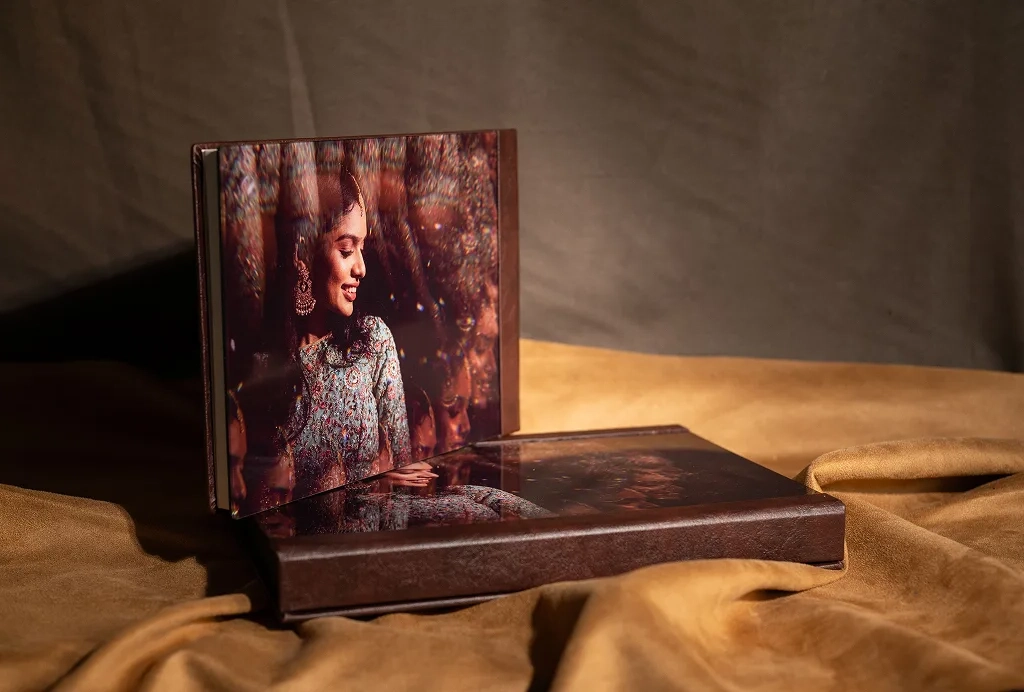
Why You Cannot Blame Only the Printer
Many photographers think like this:
“I gave the photos. Now it is the printer’s job to give me the best album.”
But that is not fully correct.
Printing is only the last step. If something went wrong before that, the printer cannot magically fix it.
For example:
• If the photo is dark, the print will also look dark.
• If the colors are wrong while editing, the print will also show wrong colors.
• If the image quality is low, the print cannot suddenly become sharp.
Printing can only print what you give.
That is why every small step matters.
Step 1: Good Photography Comes First
Everything starts on the wedding day (or shoot day).
If the lighting is bad, the photo will not look great.
If the camera settings are wrong, the image may look noisy or blurry.
If the lens is not clean or not sharp, the image quality will reduce.
So ask yourself:
• Was the lighting good?
• Did I expose the image properly?
• Did I use the right lens?
• Did I capture sharp images?
A strong album always starts with strong photography.
Step 2: Proper Editing is Very Important
After shooting, editing plays a big role.
When you edit photos:
• Your screen must show correct colors.
• Your monitor should be good quality.
• The brightness of your screen should not be too high.
If your screen is too bright, your prints may look dark later.
If your screen shows wrong colors, your album colors will also be wrong.
It does not matter if you use Mac or Windows.
What matters is:
• Is your monitor calibrated?
• Are you editing in proper color settings?
• Are you exporting files correctly?
Editing is where you prepare the image for printing.
Step 3: Designing the Album Carefully
Album design is also very important.
• Don’t overcrowd pages.
• Don’t stretch images.
• Don’t use low-resolution files.
• Leave proper margins near folds.
A clean and simple design always looks premium.
Remember: White space is not empty space. It makes your album look classy.
Step 4: Choosing the Right Printing Partner
Now comes printing.
Ask these questions about your printing vendor:
• What machine are they using?
• Is the machine maintained properly?
• Are they using high-quality paper?
• Are temperature and humidity controlled?
Printing machines are sensitive.
If temperature and humidity are not controlled, colors may shift and quality may drop.
A good printing company understands these technical details.
For example, at companies like Genesis Photobooks, we focus not just on printing, but on maintaining machines properly, using premium media, and checking quality at every stage. Because we know printing is the final step — and it must be perfect.
Step 5: Quality Check and Finishing
After printing:
• Are the pages laminated properly?
• Is the binding strong?
• Is the alignment correct?
• Is the cover finishing clean?
Even a small mistake in finishing can reduce the overall feel of the album.
A premium album is not just about print.
It is about the full experience.
The Big Truth About Perfect Albums
A perfect album is not created in one day.
It is created:
• On the shoot day
• During editing
• During design
• During printing
• During finishing
If each step is done correctly, the final album will look amazing.
But if one step is weak, the final result will also be weak.
Think of it like cooking.
If the ingredients are bad, even the best chef cannot make it taste great.
The same way, printing cannot fix poor photography or poor editing.
Final Message to Photographers
If you want a truly amazing album: Control what you can control.
• Improve your photography.
• Improve your editing process.
• Improve your design skills.
• Choose the right printing partner.
When everything goes right together, the result will be beautiful.
And that is how you create not just an album…
But a memory that lasts for generations. ✨